

Good-bye, my fellow Pelican static-site generator! You've been a good companion for the last 12 years!
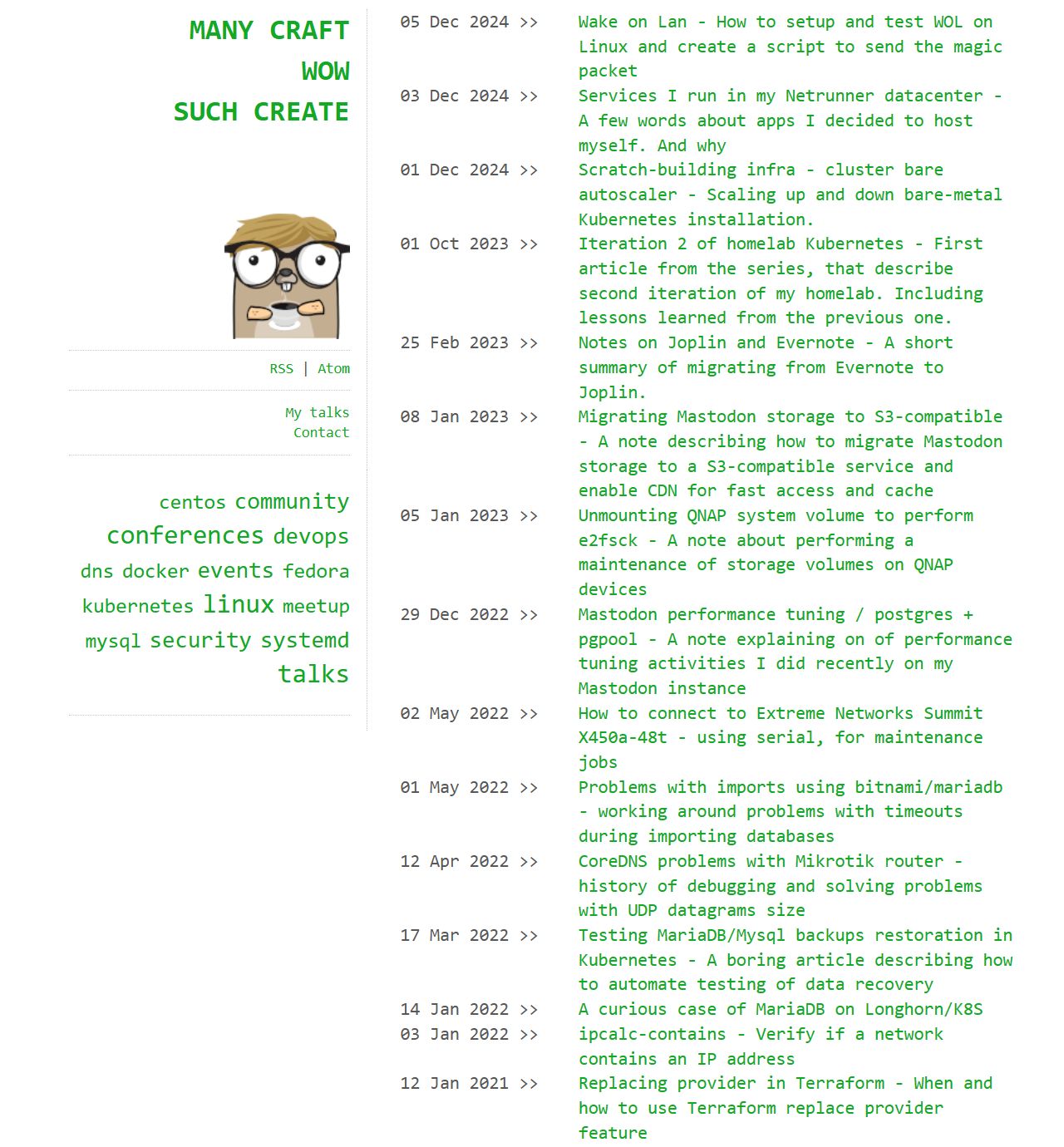
Why the change?
I still remember my original intentions (for switching from Wordpress to Pelican, back in the day):
- I wanted to be able to create posts in Markdown
- I thought that keeping blog content in a Git repo would be very useful and helpful.
However, through all those years, I learnt that:
- Being able to actually see immediately how the post looks (thinking about WYSIWYG editors, but with Markdown support) is a very handy feature! That's because when working on WYSIWYG, you focus on the content, not on "how this will look and how to format this properly in Markdown"
- It's much easier for me when I can just copy/paste images directly into the editor instead of storing them in a separate subdirectory, including via Markdown tags in the body of the blog post, and reloading the blog engine just to see how it looks! I learned that writing posts shouldn't feel like creating a webpage, since it kills creativity and shifts focus from the content to the web development-ish part.
- I have never-ever looked into the Git history of this blog repository. Even once. This means I really don't need to have any ability to look back.
- The old theme was absolutely awful and unreadable while reading on mobile (however, 80% of readers use desktop, so that's not an issue tbh)
The migration process
It was straightforward, since all Pelican posts are just Markdown files:
- Install a new Ghost instance and configure it. I decided to buy a well-designed theme for Ghost that matches my needs. Thanks to this, I didn't spend too much time on the layout, which saved me tons of motivation to move forward! The configuration process was pretty easy—I simply went through all documentation points for this theme, which showed me all features and possibilities.
- Exporting entries from the Pelican was as simple as running a command
tar -czf pelican-posts.tar.gz 20*/*.md - Now, Ghost allows importing posts from various blogging engines. Since it doesn't support directly importing from the Pelican, I prepared my own importer: https://github.com/docent-net/pelican2ghost - suit yourself.
- Lastly, I needed to customize the layout a bit. Since the theme is a zip file that you upload via the Ghost admin UI, it's not really too customizable. However, Ghost allows you to put custom header/footer (HTML, JS, CSS, whatever), so I basically run those customizations in a hacky way - mangling DOM tree via JS and hiding some blocks via CSS. Not beautiful, but it works and will survive future updates of this theme.
- Since some URLs changed between migration, I needed to prepare a loooong list of 301/redirects in the Nginx vhost. Well, not me, LLM did..
So that's it! I hope you'll like the new theme!

