

I've been migrating all my blogs to a Ghost self-hosted recently. Since I was using a few different blogging engines at the same time, it required some additional work.
TLDR
- When dealing with the import problem on a self-hosted Ghost instance, by default, there are no meaningful logs generated. So you'll need to enable debugging and start from there.
- Enable debug-logging on the Node.js level via setting
DEBUG="ghost:*,ghost-config" - Verify logs; in my case the issue was with the incorrect semver in the import.json file (was
6.10, should have been6.10.3).
Full story
In the Ghost v6.10.3 there are many options to import entries from other blogging engines:
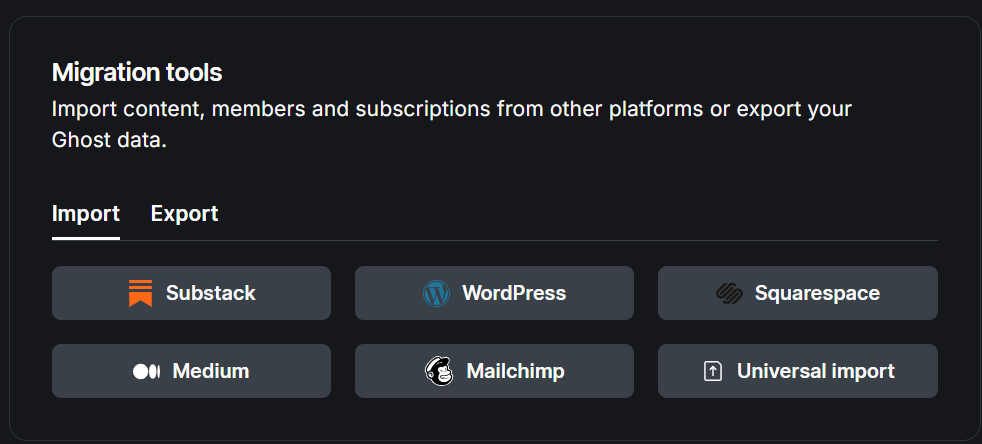
In my case I needed to go with the "Universal import", since all blogging engines I used were basically static page generators, which means I had plenty of Markdown files to import into Ghost.
The migration process is very nicely described in the Ghost docs, and the import.json schema as well.
The problem
For testing, I packed all entries from a particular year:
tar -czf pelican-2012-posts.tar.gz 2012/*.mdAnd queried LLM to unpack it and prepare me the import.json file matching the given JSON schema. Then I just clicked in the UI the import process, attached the import.json file and got:
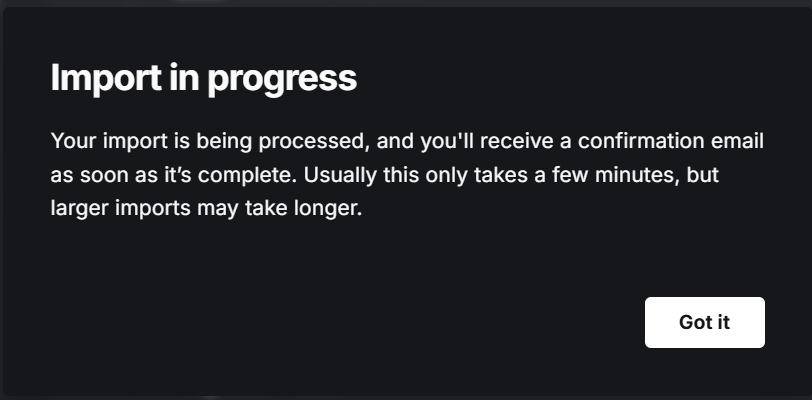
That's a peculiar way, TBH, to inform about an outcome, but an async and a neat one! I checked my inbox (this Ghost is integrated with a mailing provider) and got:
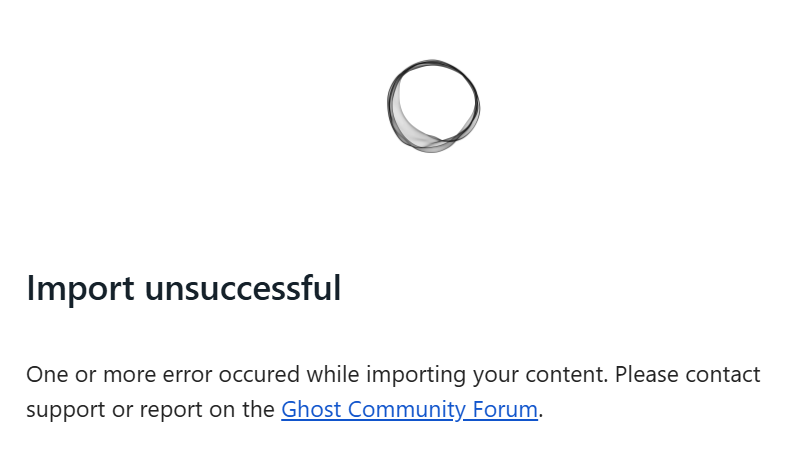
Well, this says absolutely nothing about the problem itself! Unfortunately, Ghost logs weren't helpful as well:
ERROR Content import was unsuccessful
That is LOL! 😆
And this was the moment when LLM started hallucinating, stating that this is a schema validation issue.
The solution
First, we need eyes on the problem. I already had the maximum logging level available in the Ghost container (info / warn / error):
- name: logging__level
  value: "info"
So there was nothing more to change here. But since Ghost is a Node.js app, we can actually enable additional debugging in the Node server configuration, which is even documented in Ghost config docs:
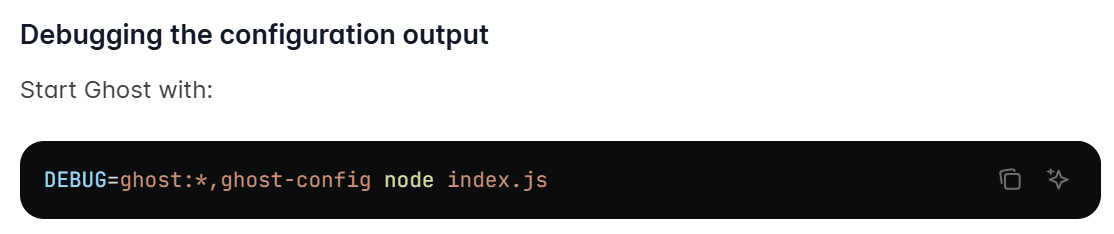
Since in my case this is a k8s deployment, all I needed was to add one more env var to the Pod:
- name: DEBUG
  value: "ghost:*,ghost-config"
Now, after running the unsuccessful import, my logs showed:
[2025-12-21 14:10:43] ERROR Content import was
unsuccessful Detected unsupported file structure.

Detected unsupported file structure.

"Please install Ghost 1.0, import the file and then
update your blog to the latest Ghost version.\nVisit https://ghost.org/docs/update/ or ask for help in our
https://forum.ghost.
org."

Error ID:
    d6a91dc0-de76-11f0-a683-45ed4ec2b03c

----------------------------------------

IncorrectUsageError: Detected unsupported file structure.
    at Object.doImport (/var/lib/ghost/versions/6.10.3/core/server/data/importer/importers/data/data-importer.js:116:35)
    at ImportManager.doImport (/var/lib/ghost/versions/6.10.3/core/server/data/importer/import-manager.js:421:63)
    at async ImportManager.importFromFile (/var/lib/ghost/versions/6.10.3/core/server/data/importer/import-manager.js:526:28)
    at async /var/lib/ghost/versions/6.10.3/node_modules/@tryghost/job-manager/lib/JobManager.js:260:25
    at async JobManager.worker (/var/lib/ghost/versions/6.10.3/node_modules/@tryghost/job-manager/lib/JobManager.js:16:22)
Goog chunk of trace! Even pointed out the exact spot: data-importer.js:116:35
Now we can open this file on GH and see:
// CASE: We deny LTS imports, because these are major version jumps. Only imports from v1 until the latest are supported.
//       We can detect a wrong structure by checking the meta version field. Ghost v0 doesn't use semver compliant versions.
if (!semver.valid(importData.meta.version)) {
    return Promise.reject(new IncorrectUsageError({
        message: 'Detected unsupported file structure.',
        help: 'Please install Ghost 1.0, import the file and then update your blog to the latest Ghost version.\nVisit https://ghost.org/docs/update/ or ask for help in our https://forum.ghost.org.'
    }));
}
And that tells me that the issue is somewhere in the version string of the import file. Indeed it was:
{
  "db": [
    {
      "meta": {
        "version": "6.10"
But it needs to follow the full semver schema:
{
  "db": [
    {
      "meta": {
        "version": "6.10.3"
... and voilà!
Hahaha, LLM got you!
Not sure! Obviously it's the LLM that generated that faulty version string, but the whole troubleshooting process was still quicker than writing my own migration script.
Imo the most important lesson here is that in that kind of situation, there is a moment when you just need to draw a line and stop using LLM and just follow standard, old-school troubleshooting.
Moreover, I really prefer troubleshooting that kind of quirk to writing migration scripts, so it's a win-win.

